During the branding project I was appointed the leader of the group. I now hold a streak of being appointed a leader for the group project 3 times in a row. I might encourage other team members to take this responsibility in the future projects which will allow them to gain experience that I managed to acquire.
Due to the assigned role, I felt responsible for the outcomes of our work. That is why I tried to take the lead during the weekly progress presentations, where we showed our current work and results to the teacher and fellow students. However, I also felt that team members who did not feel that confident with their presenting skills, should get out of their comfort zone, hence I assigned two members to one of the progress presentations and the final product was delivered to the client with all team members presenting.
As communication is crucial to maintain an efficient work flow during the project, the team tried to communicate as much as possible. We usually worked together in the OIL space, assigning tasks and discussing results. However, when some of the team members were not able to come, or there was a unanimous decision that today’s work can be delivered from home, we created two communication channels that kept us all connected at any time. For daily conversations and assigning tasks we used WhatsApp. For storing all the necessary files and sending related links and messages we used Microsoft Teams.
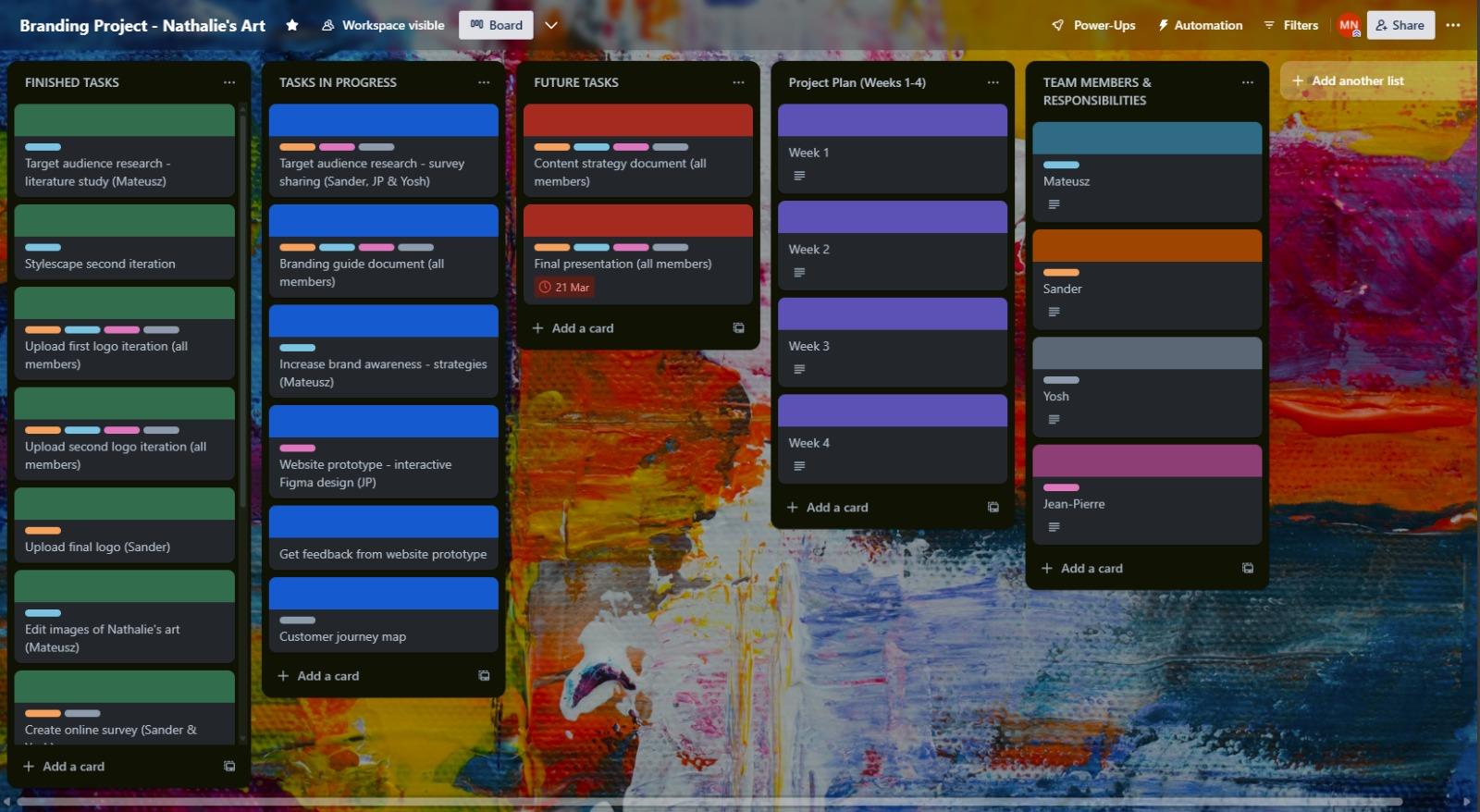
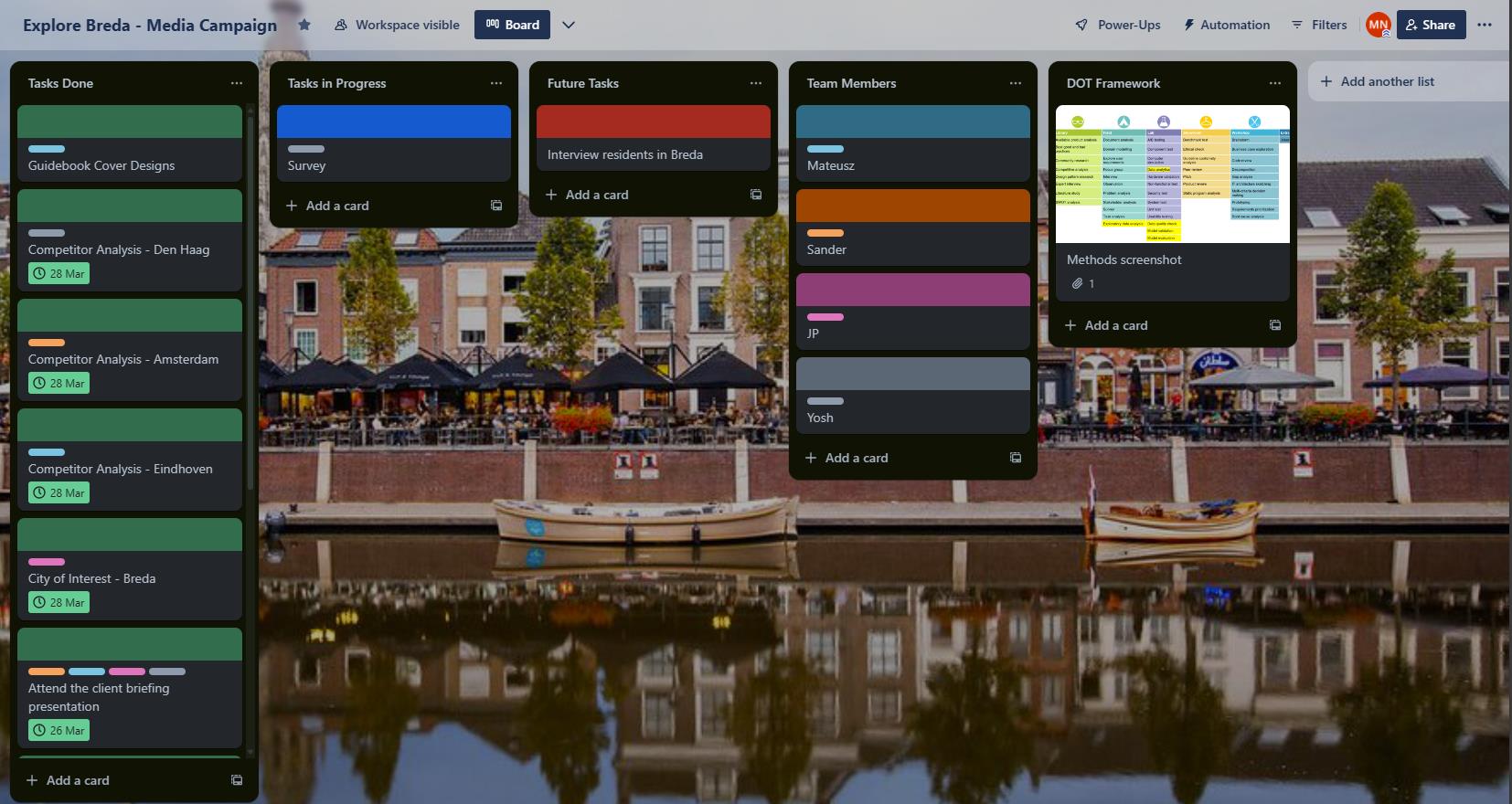
In order to keep track of all the ongoing or future tasks, as well as keeping a list of work already done, we created a Trello board that helped us stay organized throughout the project. We tried to make it as detailed as possible, with correct category assigned and by creating color based tags of who is responsible for delivering the outcome.
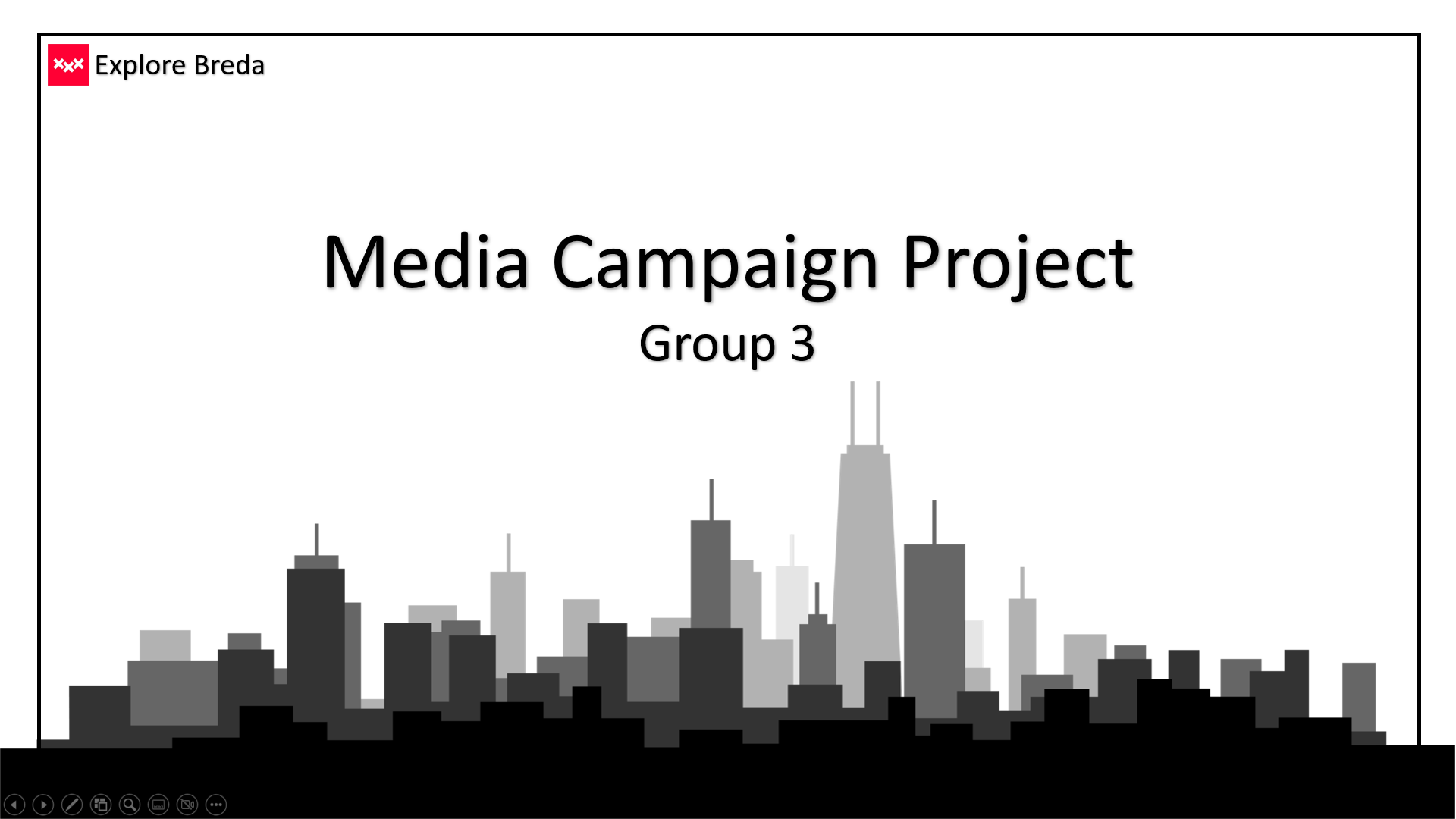
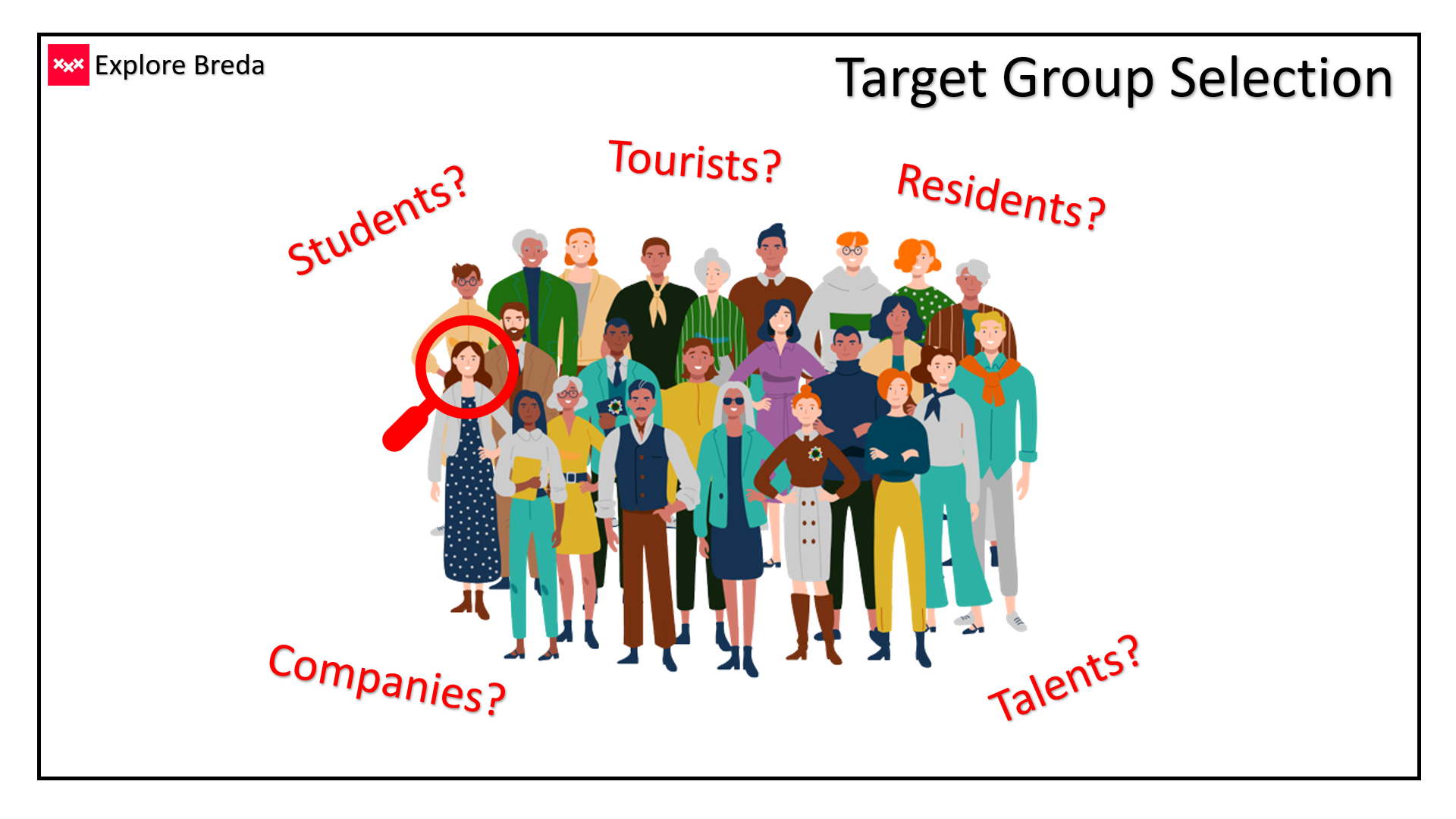
I stayed as the leader of the team for the Media Campaign project and present the progress weekly to the teacher during the group presentation, also encouraging other team members to practice their presentation skills. I put a special care to the visual aspect of the slides, keeping the necessary balance between text and images, in order to make the audience interested with what I have to say instead of reading the text from the presentation. Here are some examples of the slides I made:!
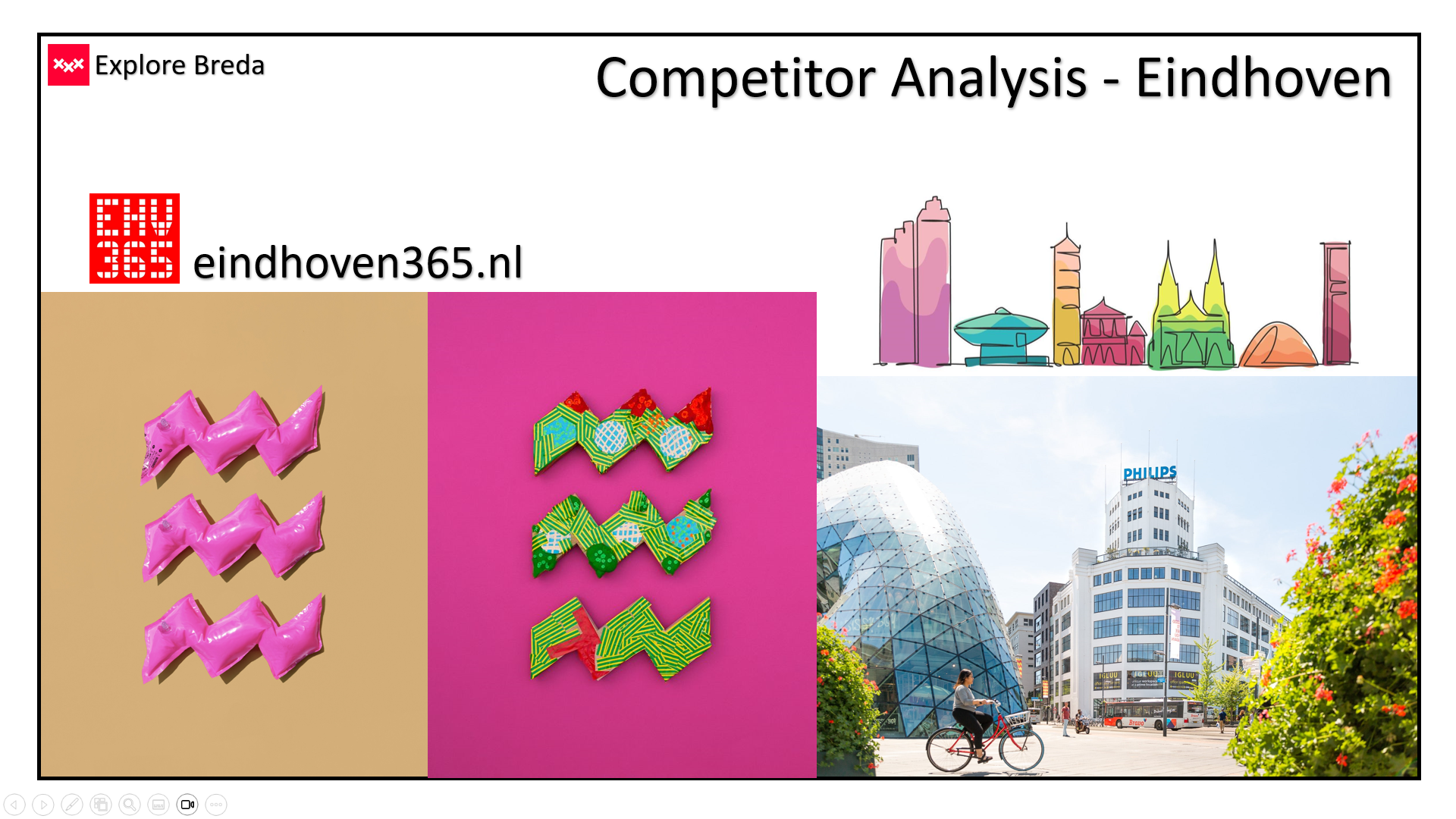
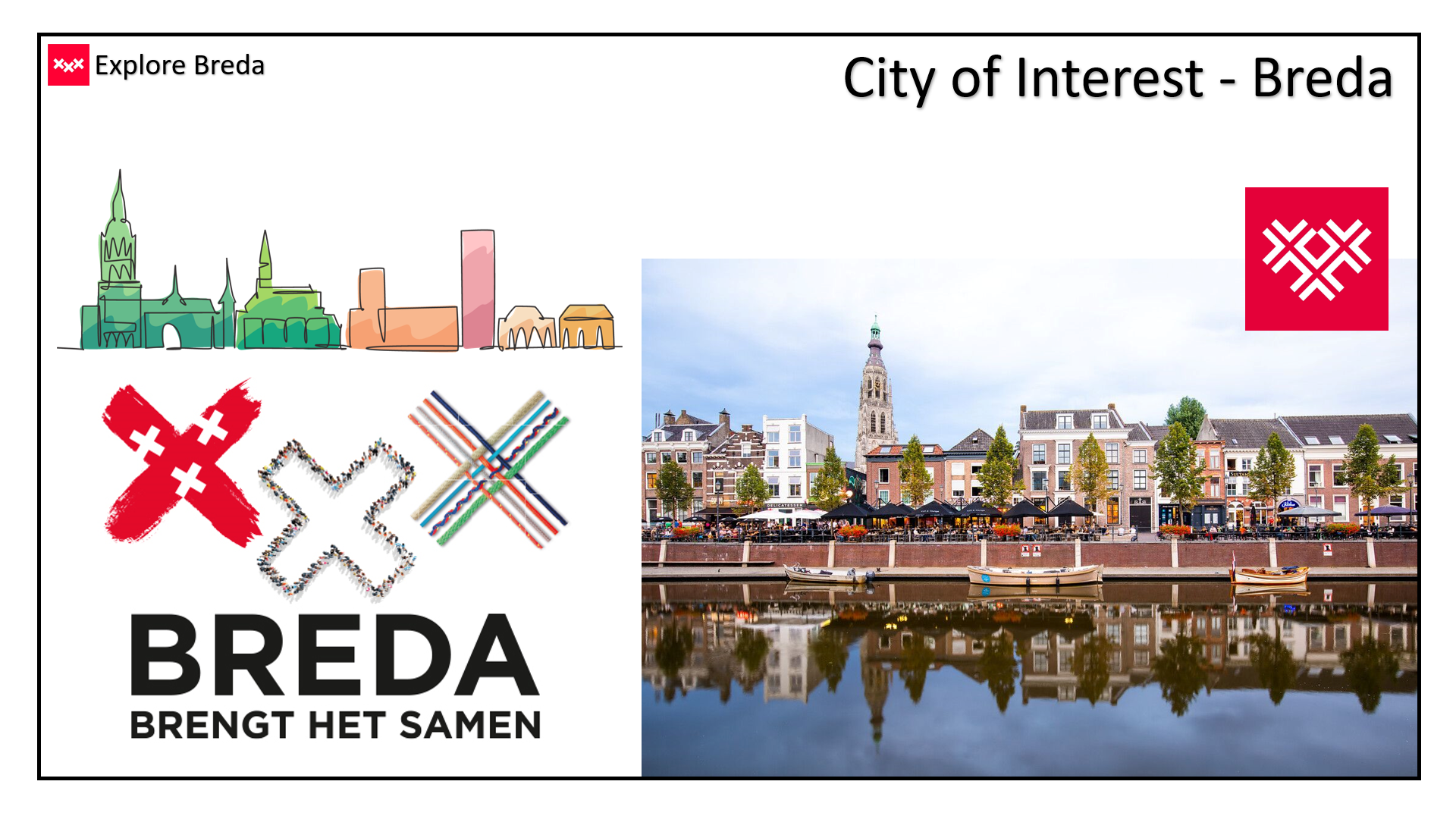
As the team we continued working in a system that we implemented during the previous assignment. As the main channels we use WhatsApp and Microsoft Teams. For task and time management we decided to use the Trello website again, as it proved useful when we had to keep track on the things we made for the branding project.
I can visibly see that my presentation skills have increased and the stress level is not that difficult obstacle as it was just a few months ago. I always get praised after my presentation, which gives me a nice motivation to keep going and further improve my skills. I plan to continue this practice and present in front of big audiences, further challenging myself.
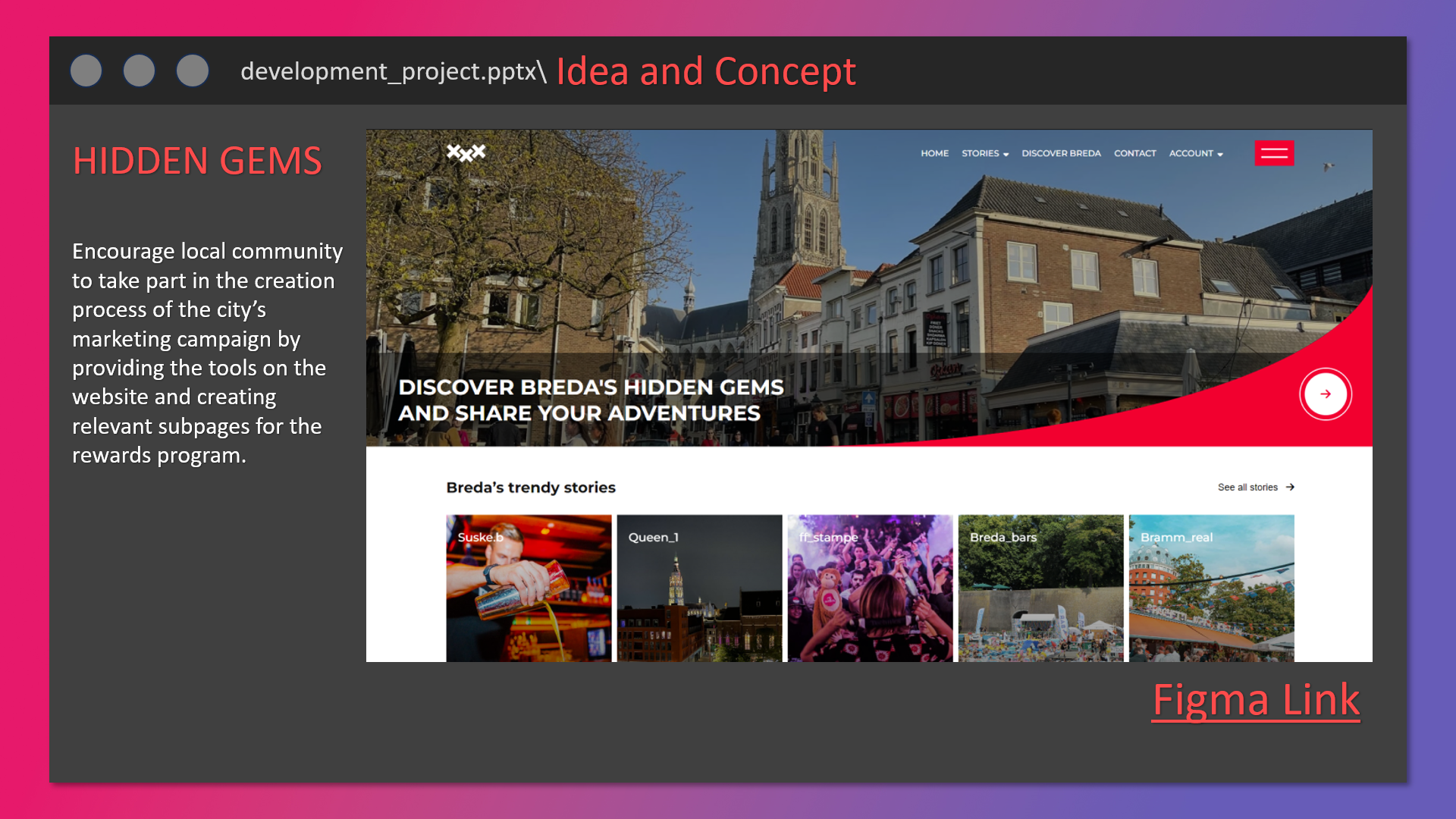
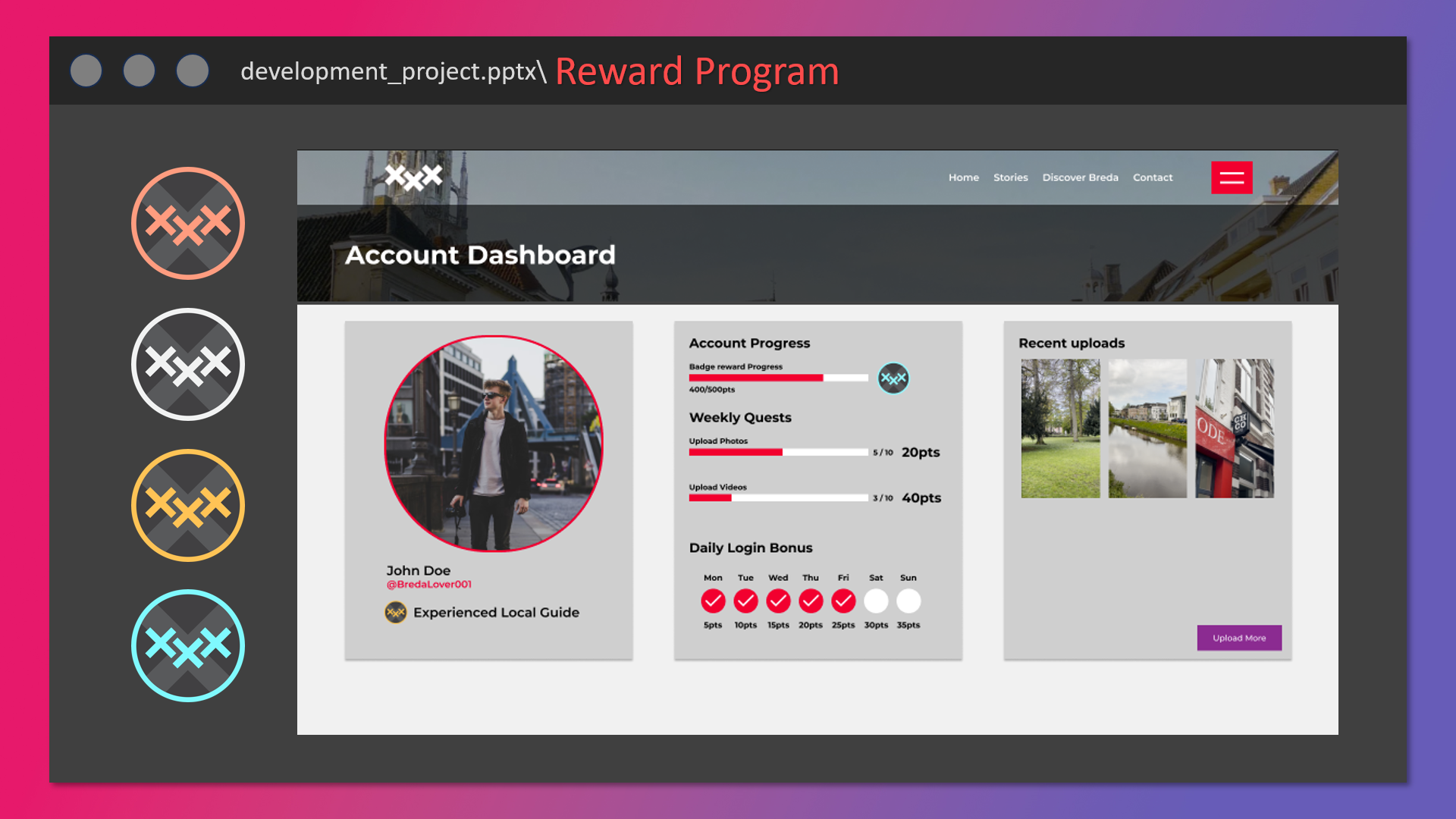
As the weekly update presentation for the development project only happened once, due to the one week break and a shorter project period, there were less oportunities to work on the presentation skills. That is why the only presentation that took place was delivered by the whole team, each member presenting the park he was responsible for. In my case it was the reward program for the ExploreBreda website ambassadors. Here are some slides that I created for the presentation:
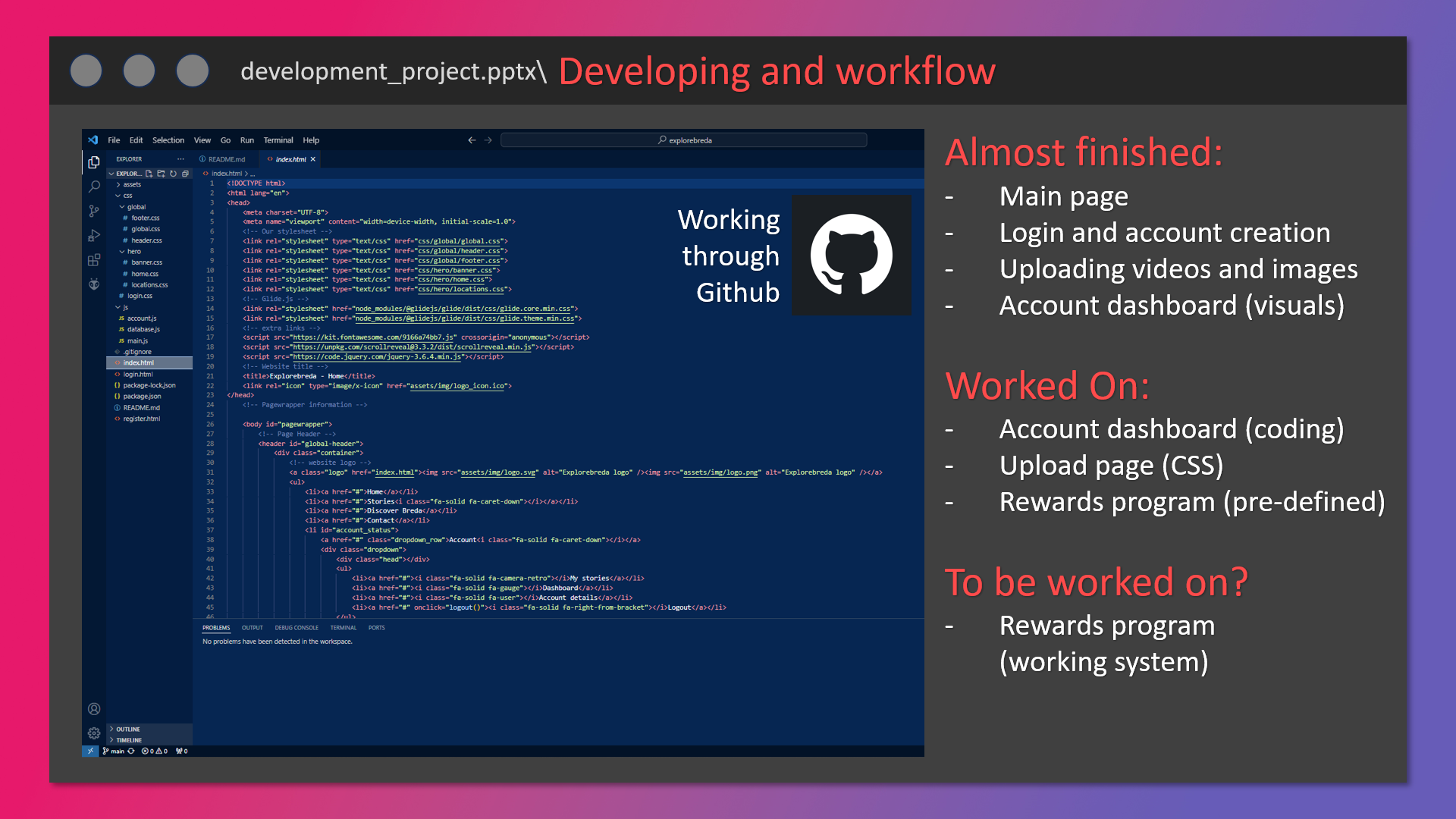
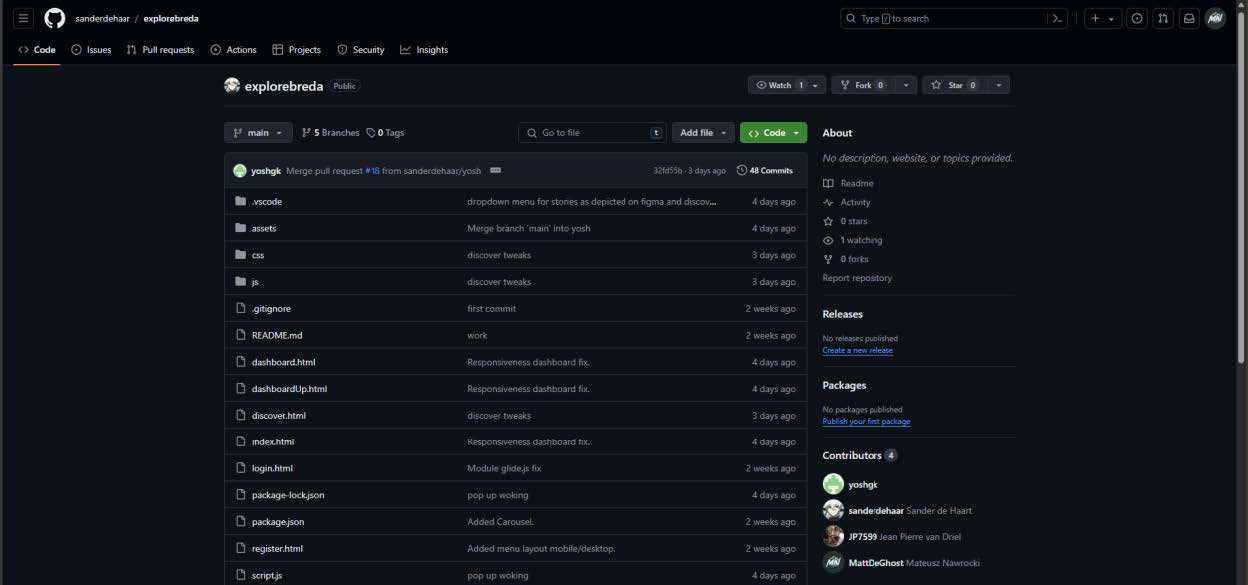
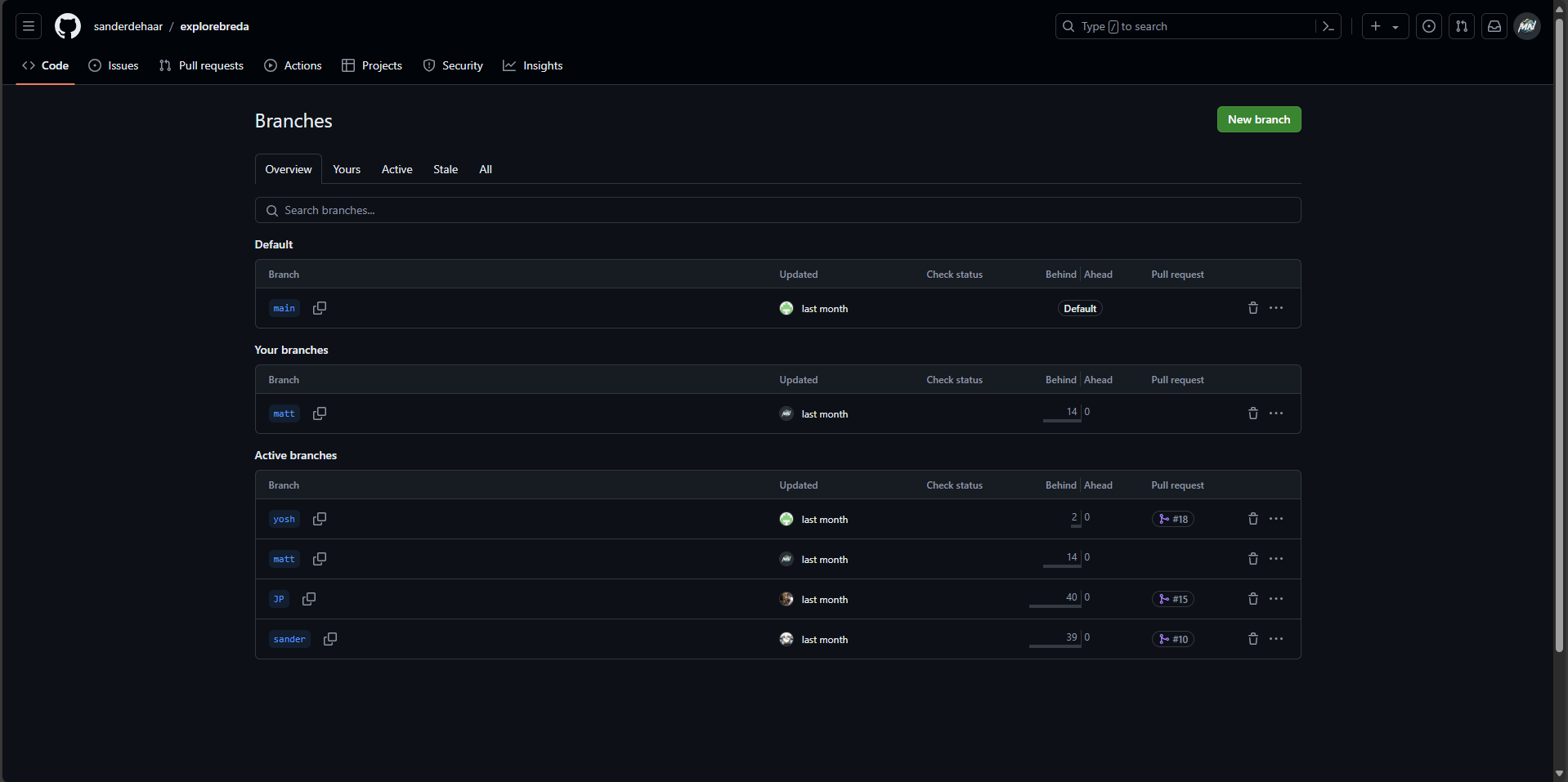
It is well known that in the IT field, the most common environment to work in together with your team is the Github or websites that work similarly. In order to coordinate the work on coding the website we created a repository to which we uploaded our files, communicated the changes in the code and created our own branches in order to avoid conflicts.
We conducted the presentation for our final product that we developed for the Handpicked agency. The product had to be presented several times, to our colleagues from another groups and the teachers. Sadly, the client did not make it to the presentation, which is very unprofessional from their side, not really giving any notice beforehand. I was in charge of the presentation, explained the idea and showed the user the functionality of the page during his/her interaction with the product. As a small addition I printed out the bronze badges and awarded one to each participant when the presentation was over.
The branch merging was not clear at first and caused some issues but the further we were in the project we got better at this environment it is a great addition to the IT experience. The project organisation was more difficult than in the previous ones because of the workflow interrupting one week break and a shorter period for the project work.
As the first priority that I had to settle on with the client is the ways of communicating each other and receiving feedback on my ongoing work. As the main communication channels, we decided to go with Discord, Twitch livestream and Google Drive. The first one was strictly for messaging with some small propositions, quick feedback and sending iterations of the various designs. During the livestreams, my client upon my permission shared my work with his comminuty and then it was possible for me to receive a live feedback where I could ask questions on the go and also see the community reaction to the proposed designs. In order to put all the final deliverables in one place, I created a dedicated Google Drive folder that contained all the images, animations and fonts.
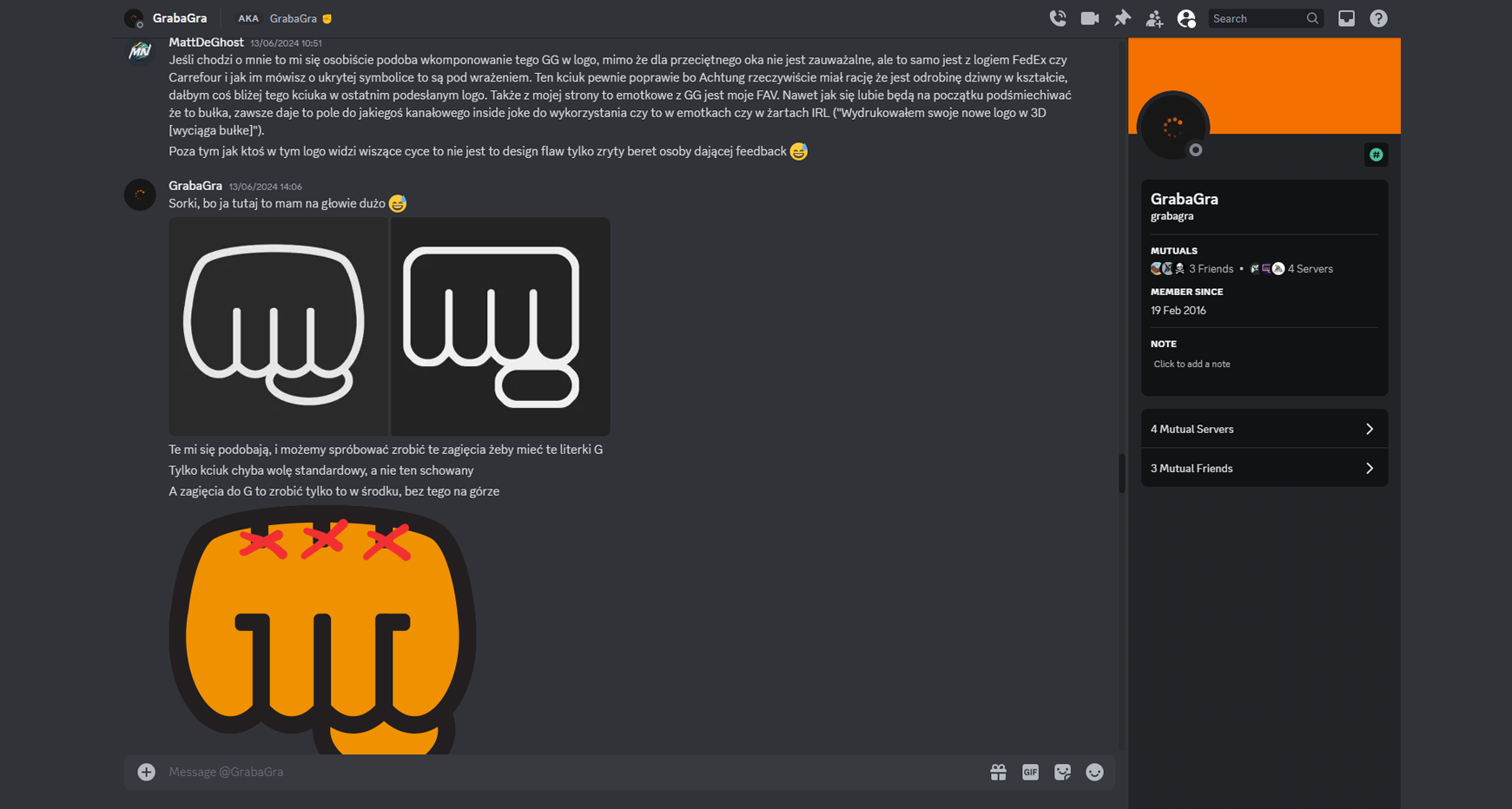
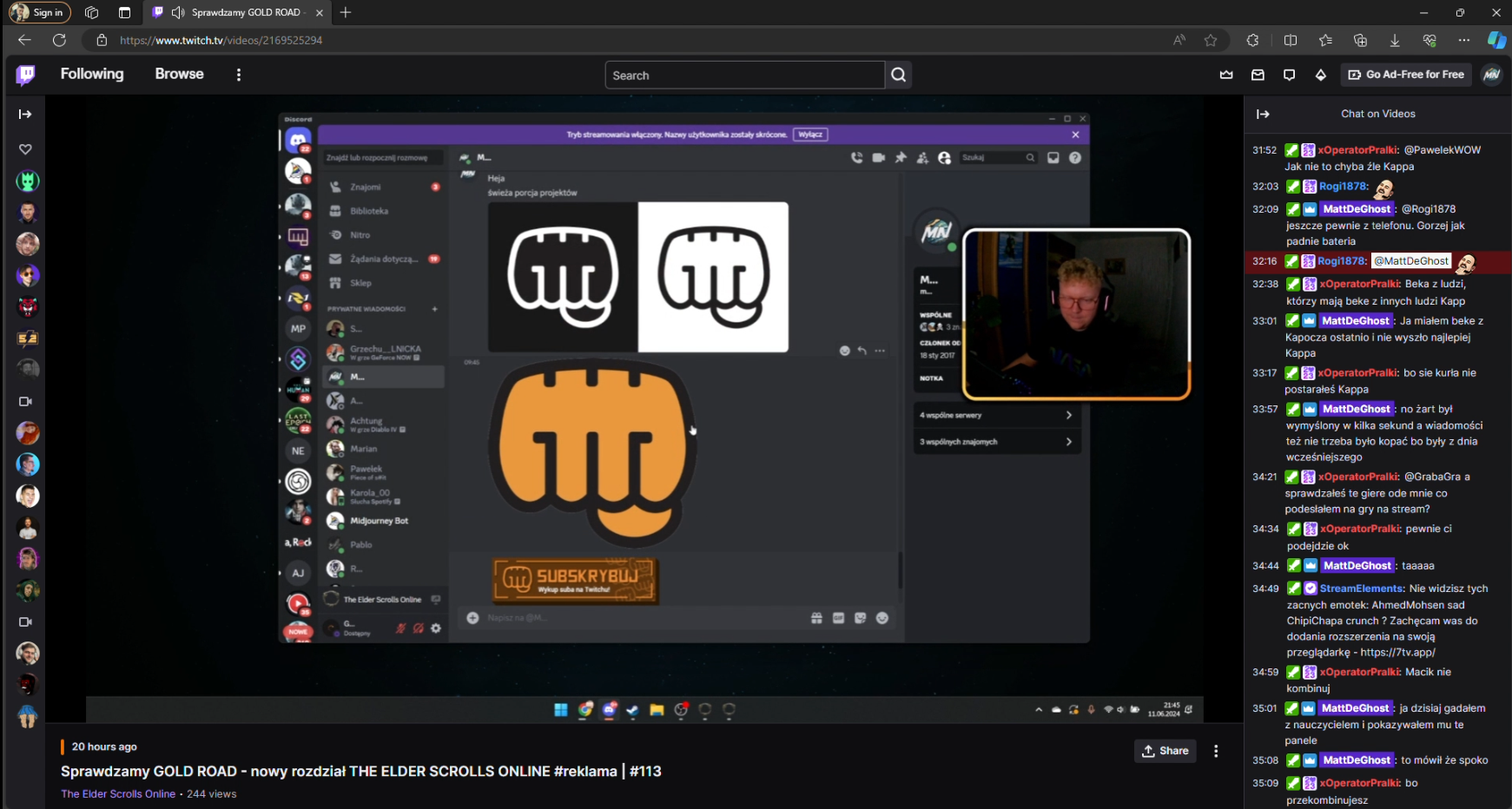
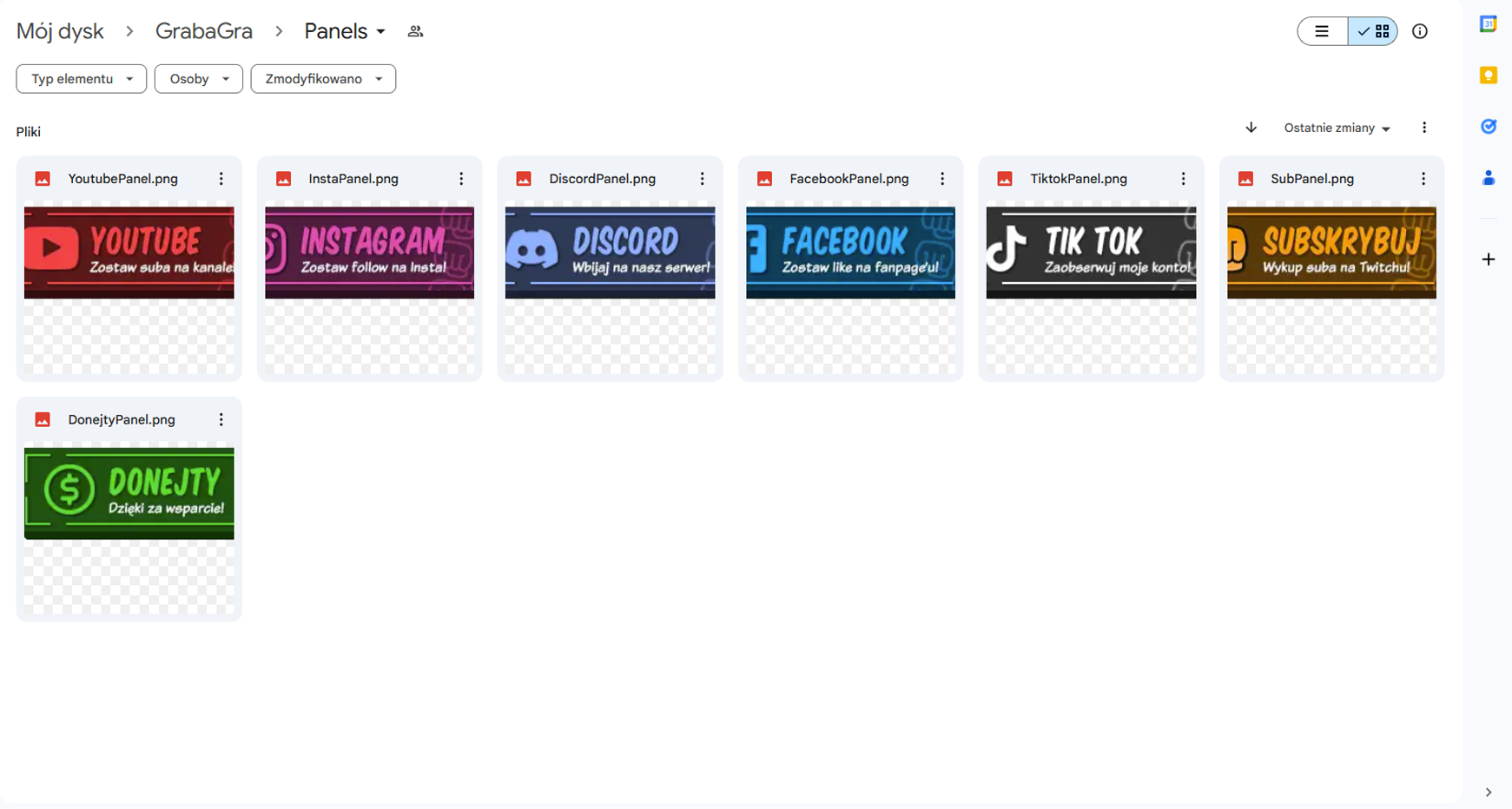
For keeping track on the tasks at hand I used the TAPE tool that can make simple to do lists. I divided it into several sections that included deliverables, receiving feedback on each design process step and tutorials that I had to watch in order to gain some knowledge on the Adobe After Effects tool and create the desired elements of the streamer package.
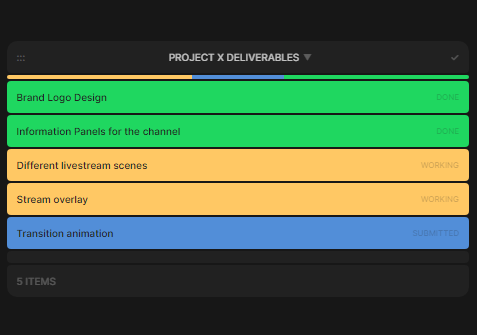
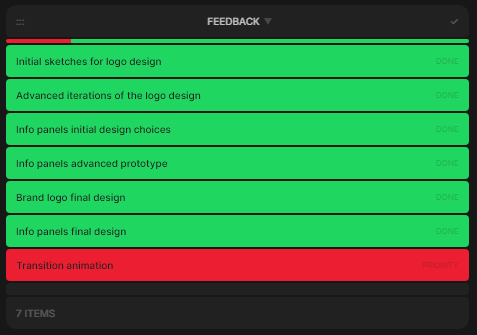
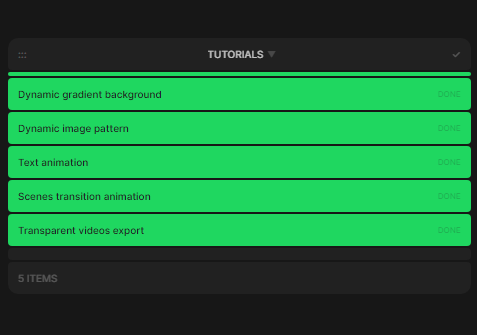
The communication with the client was a bit chaotic since our working cycles are very different. It was hard to keep a fixed schedule as I did not know how much time I will spend on some elements. For instance, I did not work much with After Effects before so watching the tutorials and learning how to use the tool took several hours before I could start the work on the animations. What is more, I could have limit the number of choices I sent to the client in the early stages because it unnecessary prolonged the process of designing the logo, leaving me less time for more complex elements.